Cardinal Health™ Presource®

Features

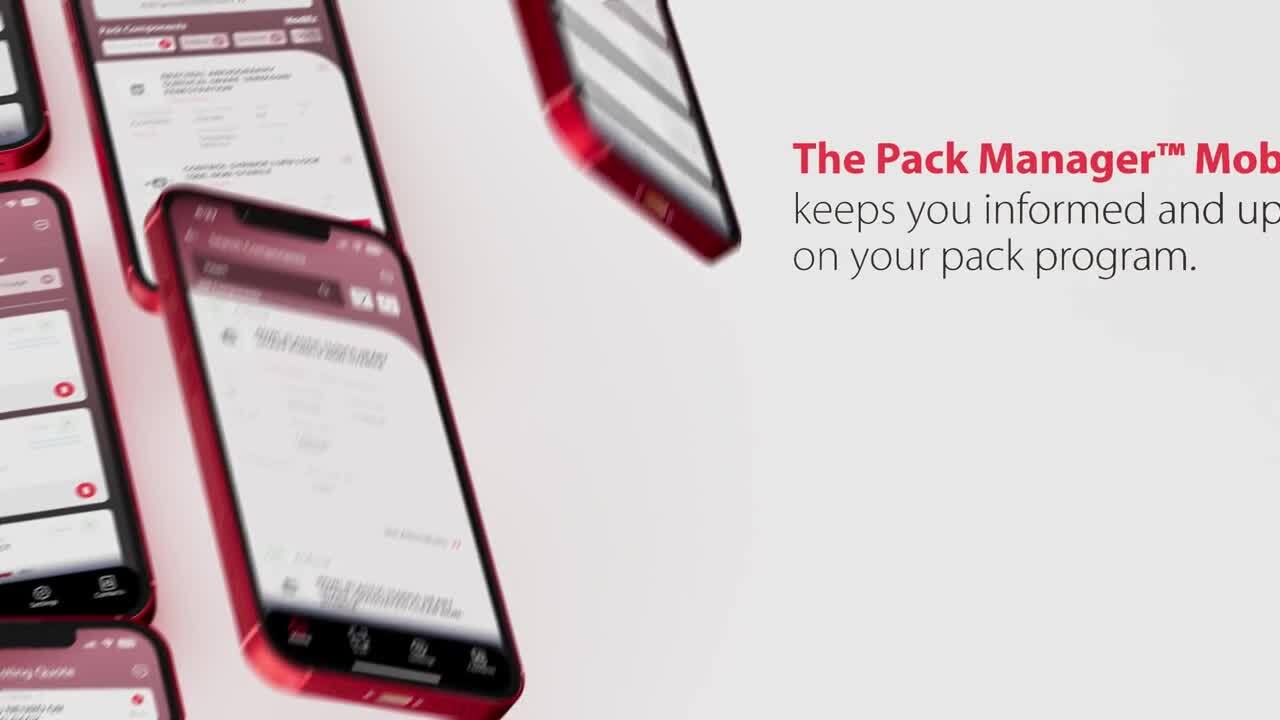
The Pack Manager™ App offers many exciting features. Watch the video to learn more.

Access

The app is available for download from the Apple and Google Play stores by searching "Pack Manager", visiting packmanager.cardinalhealth.com or utilizing the QR codes below.
  • To login to the app, use the same username and password that you use to access your Pack Manager™ account today.
  • To register for a new account, download the app from the app store, and follow the prompts to create a new account.
    •  Once completed, you will receive a new username and password that can be used on PackManager.com and the new mobile app.
To Google store (Android)

Training

To highlight the Pack Manager™ App features and functionality, Cardinal Health will offer a training webinar. The webinar will be hosted on Zoom on Tuesday, October 7 at 10 a.m. CT. These sessions will be recorded and shared as needed. Attend the training webinar by signing up through the registration link: 

Tuesday, October 7th at 10 a.m. CT

For guidance on utilizing the app, please check out our user guide. 

Please reach out to your Cardinal Health sales representative with any questions or for more information.